Draft Room
The draft room is where most of the game happens. You are not picking from the whole database. You are reacting to the team-season roll in front of you. Open Perfect 20 and start a run when you want the screens in this page to match your own draft.
See also
Draft priorities change by mode. While playing at perfect-20.com, compare Normal, Knowledge Mode, Normal Multiplayer, and Gauntlets. For collection-backed drafts, prepare the team first at perfect-20.com/me/team.
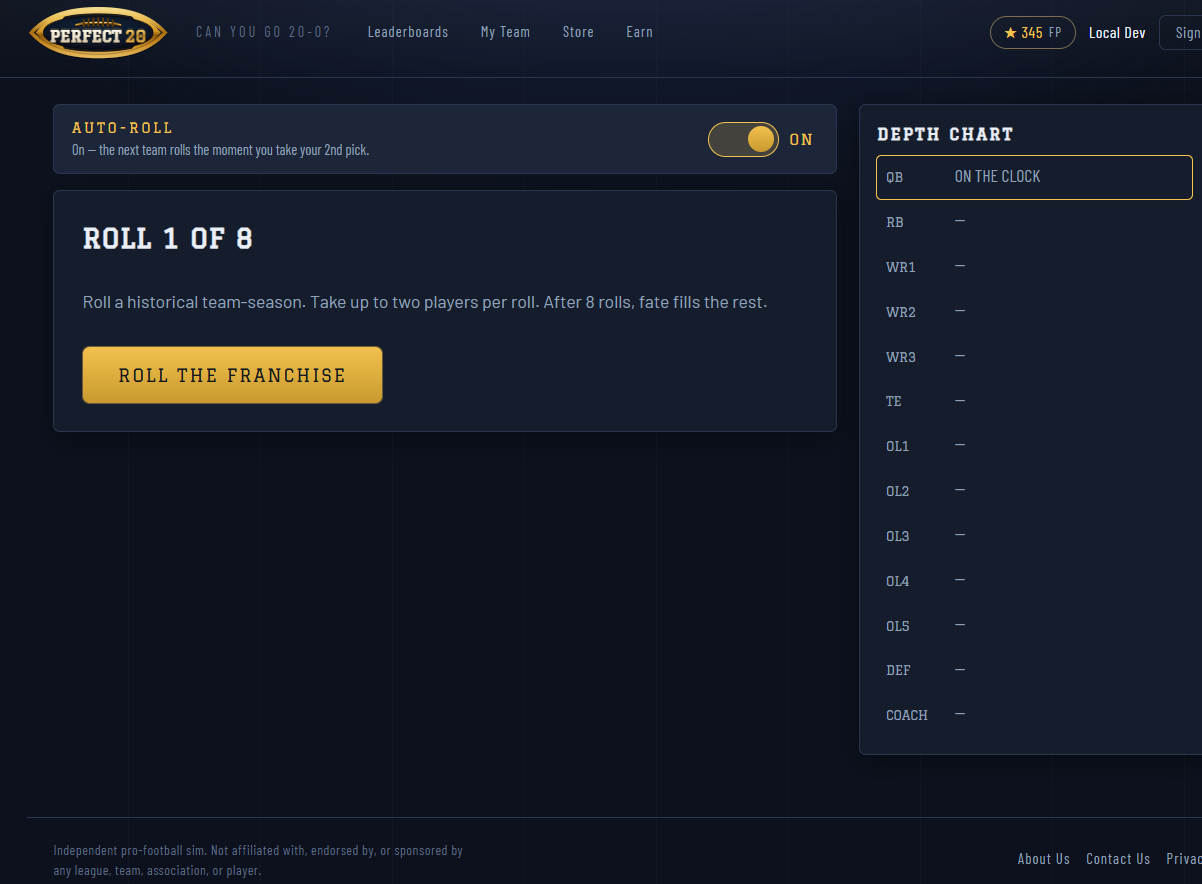
Fig. 24 Roll 1 of 8 starts with an empty depth chart.
How a Roll Works
The game deals one historical team season.
You may take up to two players from that roll.
Picked players fill their depth-chart slots.
When you roll again, the previous team is gone.
You can take zero players from a weak roll. You can also take two players from a strong roll, but that spends the roll immediately.
The Depth Chart
The depth chart tracks the roster you are building:
QB
RB
WR1, WR2, WR3
TE
OL1, OL2, OL3, OL4, OL5
DEF
COACH
Offensive players are drafted first. Defense and coach are selected later.
Auto-Roll
Auto-Roll moves to the next team as soon as the current roll is spent. Turn it on when you want a faster draft.
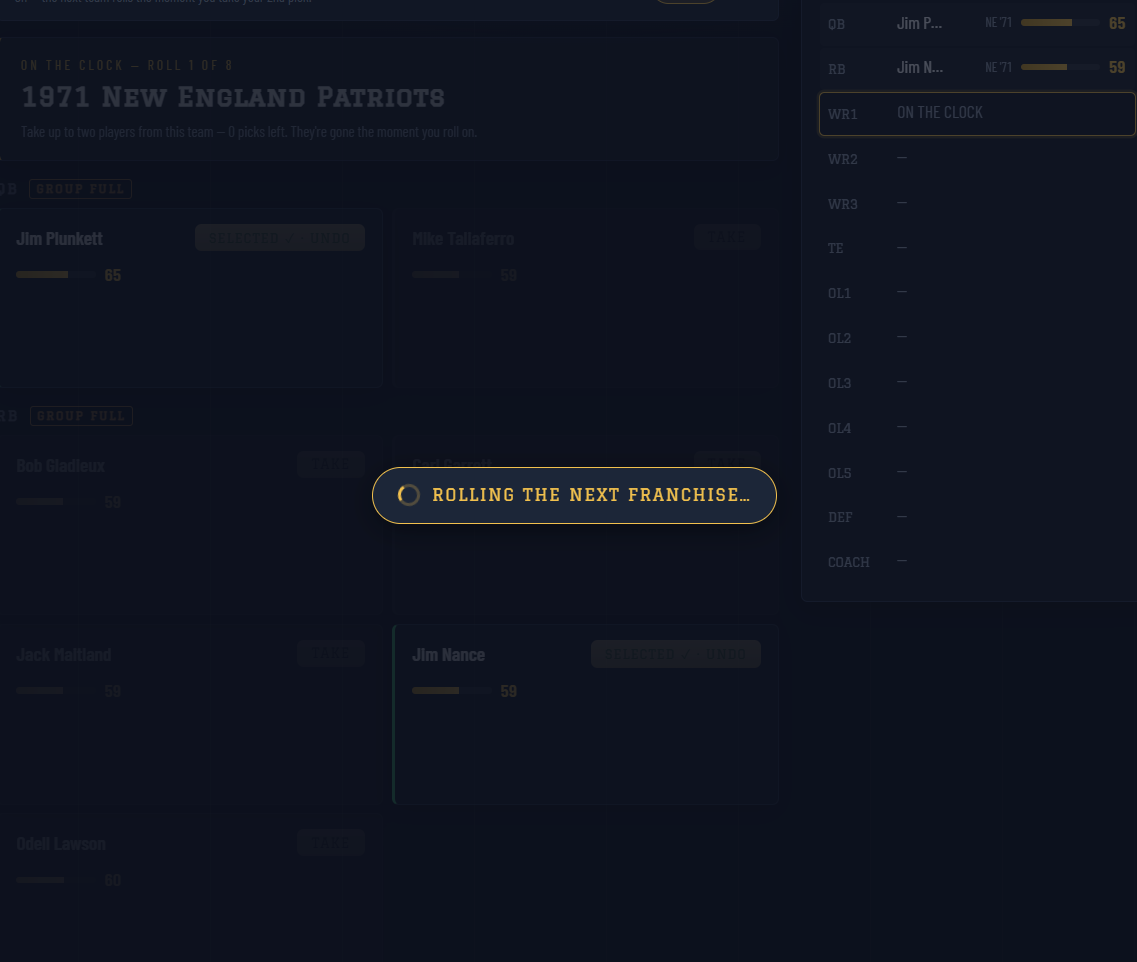
Fig. 25 The loading overlay appears while Perfect 20 rolls the next franchise-season.
Knowledge Mode Draft Room
Knowledge Mode hides ratings and player stats. The cards still show enough identity to make a football-knowledge pick: name, position, and team-season context. Ratings appear as Classified.
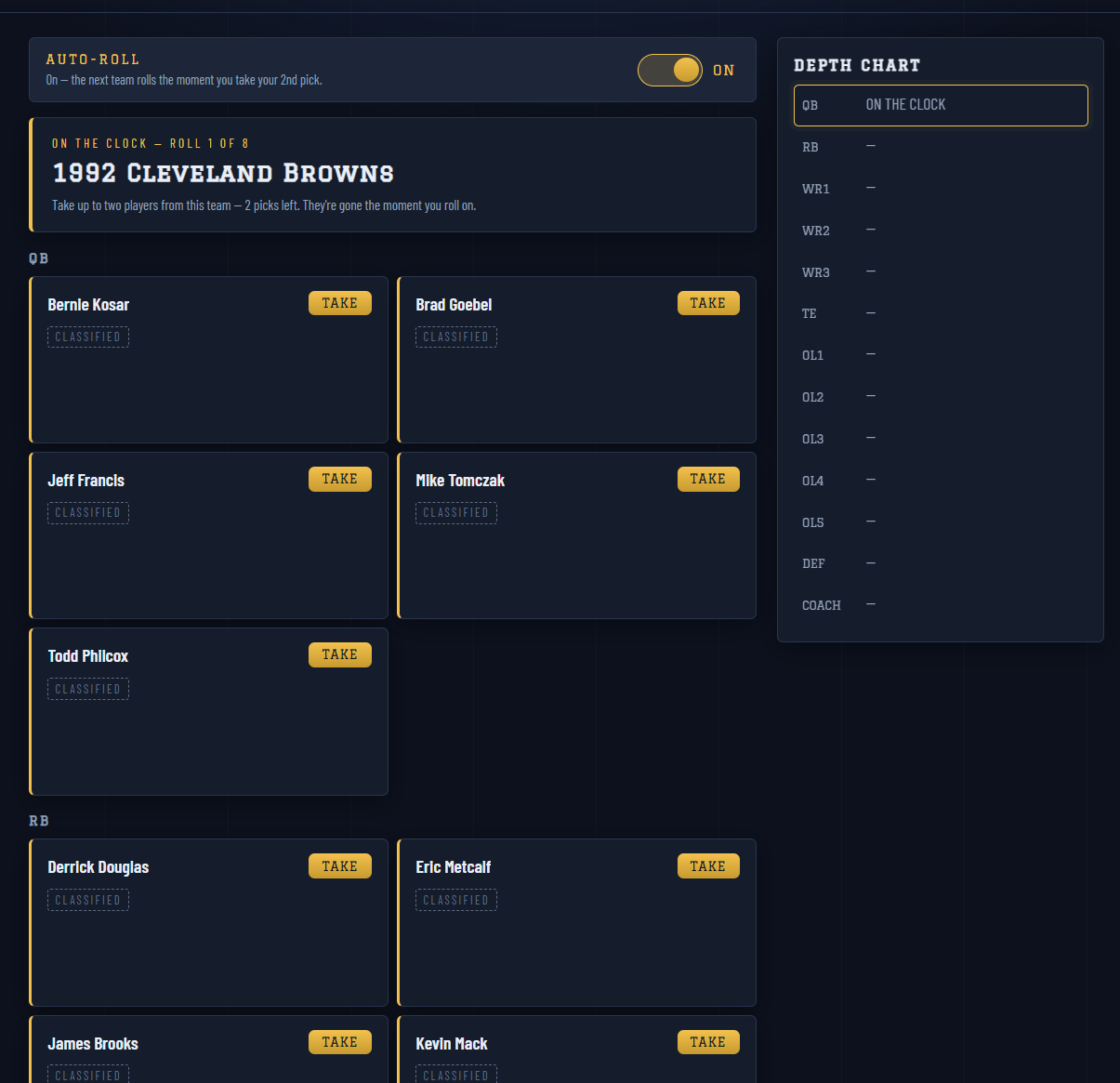
Fig. 26 In Knowledge Mode, the 1992 Cleveland Browns roll shows classified ratings.
Drafting Tips
Do not leave quarterback until fate unless the rolls force it.
If a roll gives you two starters, taking both is usually worth it.
If a position group is almost full, think before using a pick there.
In Knowledge Mode, judge from player recognition and roster fit, not ratings or stats.
In Normal Multiplayer, remember that the season path can include player-made teams, so roster balance matters more than chasing one huge rating.